Anti-procrastination, with loot
Finish the work.
Open a chest.
Lootlist is a to-do list with a focus timer that pays you in loot. Get today's tasks done, earn keys, and open chests full of collectible pixel art.
Runs in your browser. No download, no account needed.
Tap the chest
How it works
Three steps, every day.
-

Write today's list
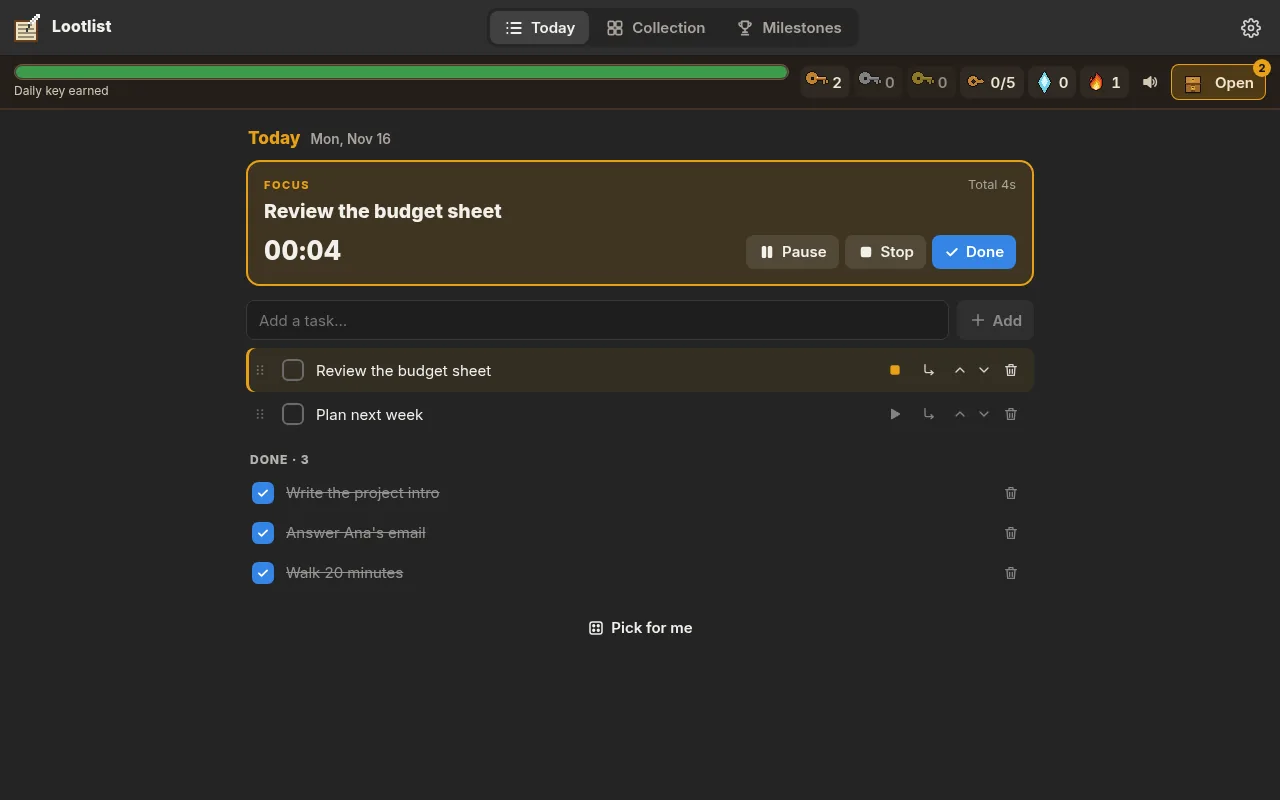
Add what you want to get done today and break big tasks into small steps. Stuck? “Pick for me” chooses one, and the focus timer keeps you on it.
-

Finish tasks, earn keys
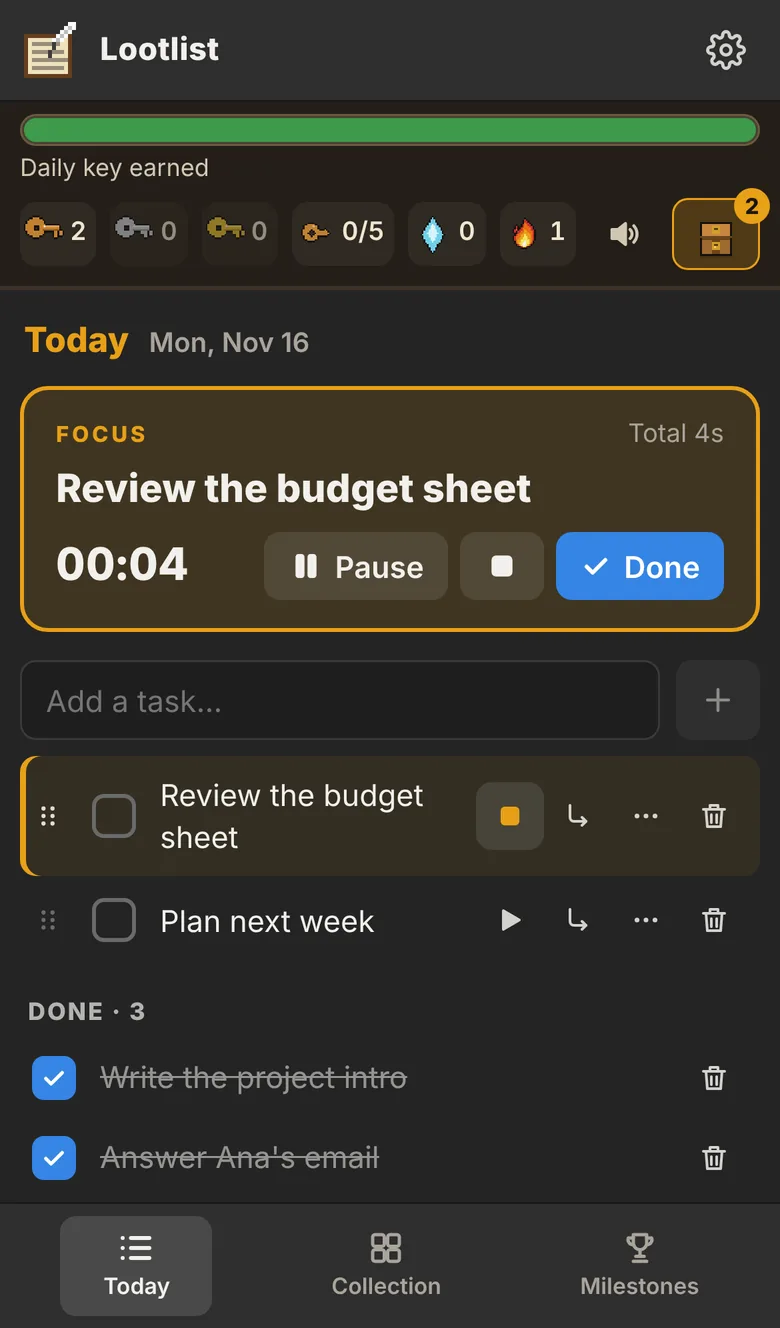
Finish 3 of today's tasks for the daily key. Focus 5+ minutes on a task and finish it for a fragment: 5 fragments make another key.
-
Open chests, collect
Each key opens a chest with a collectible inside. Daily keys in a row build a streak: 3 days earns Silver keys, 7 earns Gold, with better odds.
The real app
Screens from Lootlist, with example tasks.
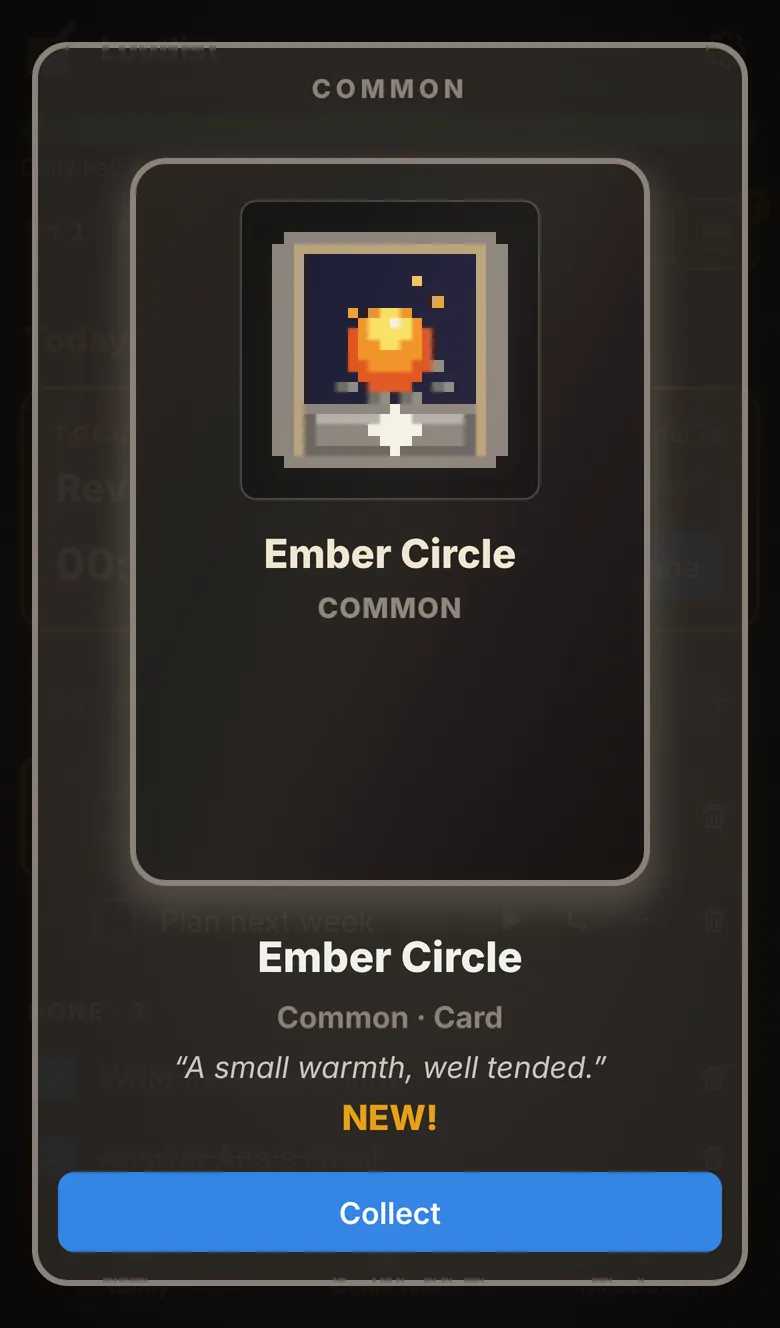
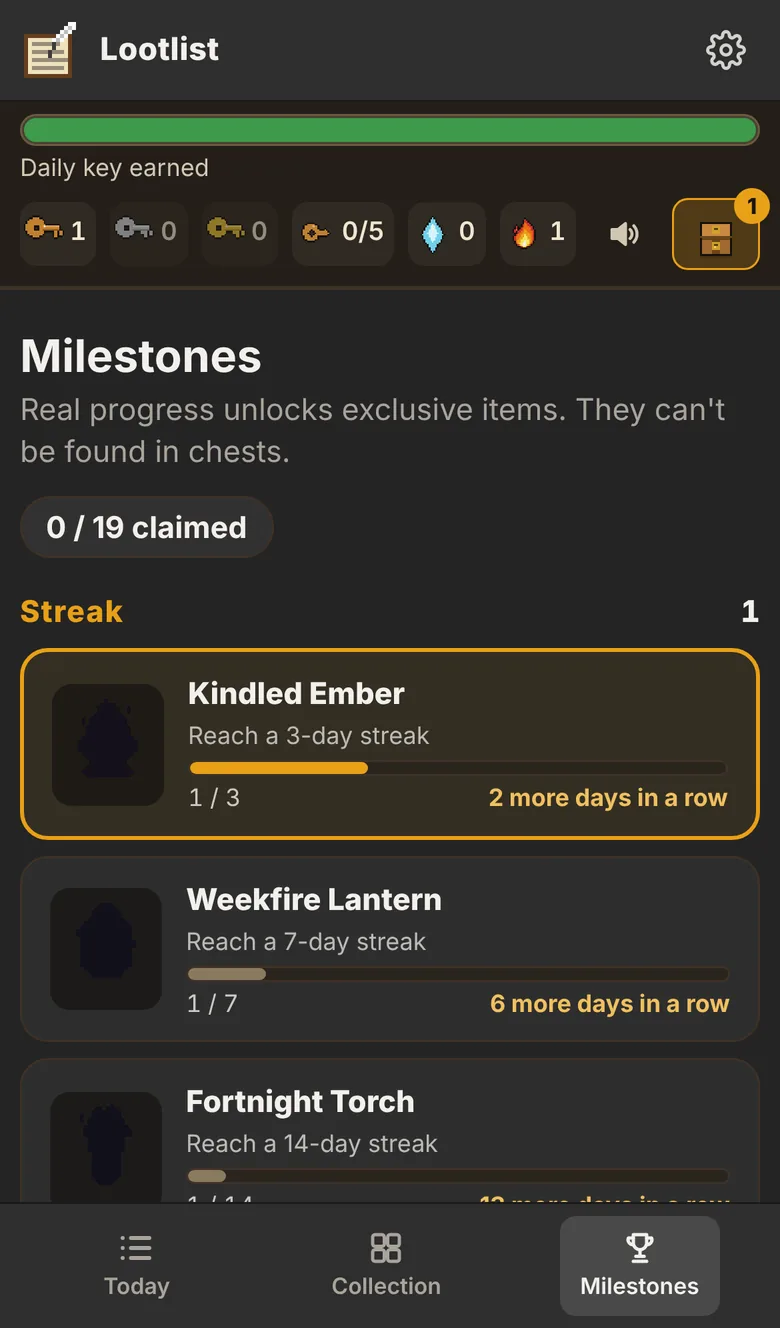
100 collectibles, drawn for Lootlist
Five rarities, from a lunch apple to a dawn circlet, plus 19 milestone exclusives you can't find in chests. Duplicates become shards you can spend on what you're missing.
-
 Lunch Apple
Common
-
 Last Wick
Common
-
 Sill Pot
Common
-
 Harvest Gourd
Uncommon
-
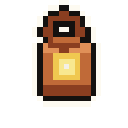 Desk Lantern
Uncommon
-
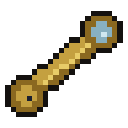 Harbor Scope
Uncommon
-
 Bottled Gale
Rare
-
 Restless Manual
Rare
-
 Frost Point
Rare
-
 Gilded Coffer
Rare
-
 Study Spire
Rare
-
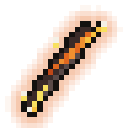 Cinder Quill
Epic
-
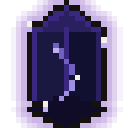 Dimming Prism
Epic
-
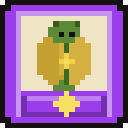 Dawn Beetle
Epic
-
 Kilnheart Egg
Legendary
-
 Dawn Circlet
Legendary
Built to get you working, then let you go
The rewards are there to get you started, not to keep you scrolling.
- Keys come from finished work. You can't buy keys or chests.
- A small daily goal: 3 tasks earns the day's key.
- Fragments stop at 10 a day, so grinding the timer doesn't pay.
- Free to use, with sync on 2 devices free.
- Prefer it calm? Reduce motion and mute sounds in Settings.
Works on all your devices, with sync
Lootlist runs in any modern browser on your phone, tablet or computer. Add it to your home screen and it opens like an app.
Phone
iPhone and Android. Install it from the browser, no app store.
Computer
Chrome, Edge, Safari or Firefox, with a roomier layout.
Offline
After the first visit it opens without a connection.
Sync
Sign in with a 6-digit code sent to your email, no password, to keep tasks and rewards on 2 devices for free.
Questions
Is Lootlist free?
Yes. You can use Lootlist, and sync it on 2 devices, for free.
Do I need an account?
No. Start right away and everything stays on this device. Sign in only if you want sync.
How do I put it on my phone?
On iPhone, open uselootlist.com/app in Safari, tap Share, then Add to Home Screen. On Android, open it in Chrome and tap Install app (or Add to Home screen).
Does it work offline?
Yes. After the first visit the app opens without a connection. If you're signed in, changes sync when you're back online.
Where is my data?
On your device. If you sign in, a copy is kept in your Lootlist account so your devices can sync. Signing out keeps your data on the device.
Can I buy keys or chests?
No. Keys only come from finishing tasks and focusing, and the odds are the same for everyone.
Which languages?
English and Spanish. The app follows your browser's language, and you can change it in Settings.